Please read the disclaimer first.
I hear a lot about
BitCoin, so I decided to invest a little in it.
My total budget is $200 for now. :)
[Update] Have you noticed the recent rise in bitcoin prices? You may want to
get better education on the subject!
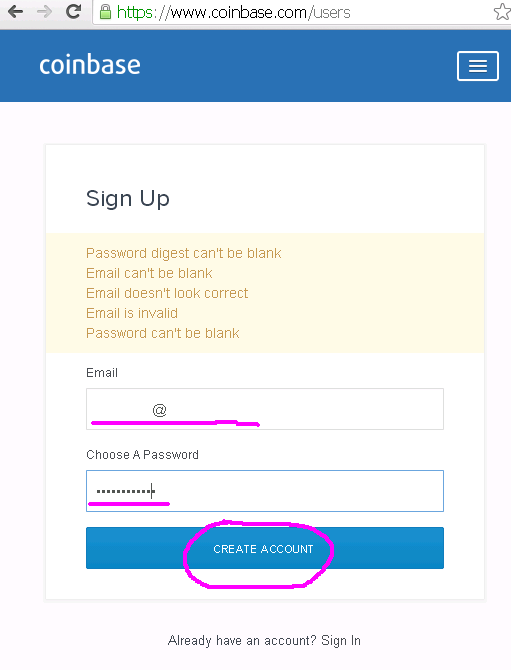
Sign up for a new account.
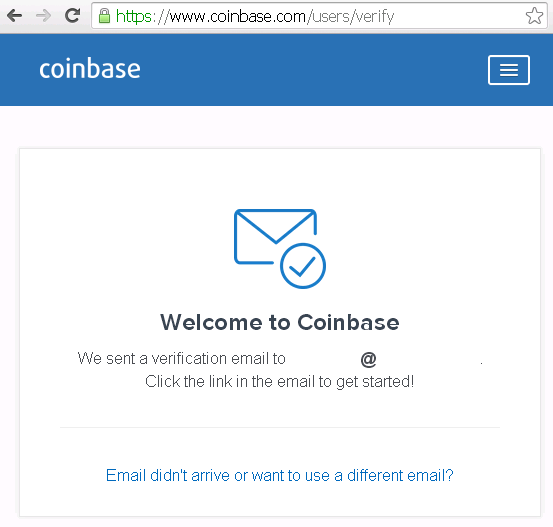
Wait for my welcome e-mail.
Verify my e-mail address.
Read the legal stuff.
Let's get started to get my free $1 worth of BitCoin!
Register my phone.
Verify my phone with the text they sent me.
Other than having them call or SMS, you can use
Google Authenticator or
Authy.
Register my bank account.
Amex Bank wasn't in their database, so I wasn't sure if I could use it.
Tada! They gave me a free dollar for opening an account! :)
And I'm all set!
You can
send me money via BitCoins now. :)
They
charge a 1% exchange fee for USD or EUR, but BitCoin to BitCoin transactions are free of charge.
A few days later, turns out Amex Bank can be used! :)
I going to buy $50 for now at
$371.91/BTC.
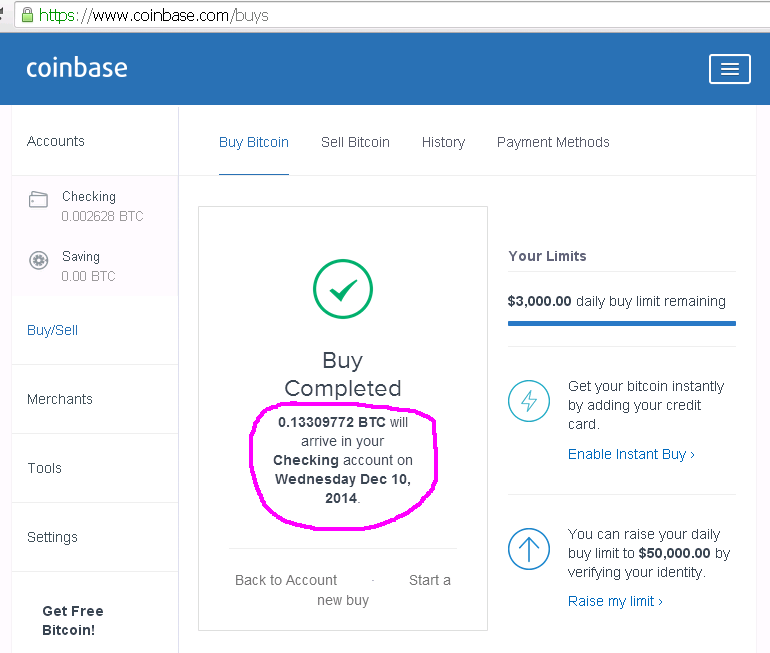
Confirmation of my order.
Easy peasy. :)
[Update 2/14/15]
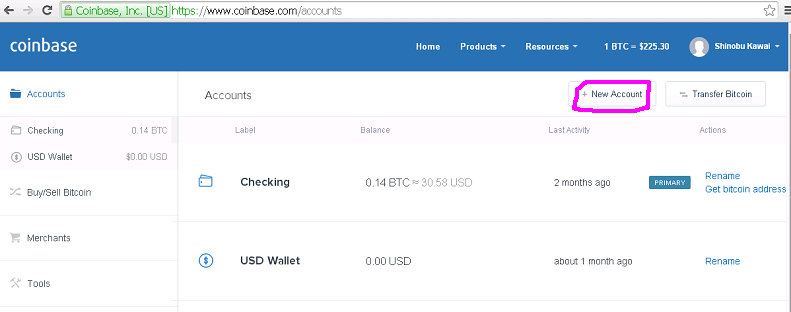
Created a Vault account for
MultiPoolX.
Click on "Vault".
I named this vault "MultiPoolX".
I'm going to appove the withdrawals.
I'll let Coinbase manage my security.
I may set up a wallet locally, if the account grows and I get anxious.
Enter the Secondary Email.
I'm going to use my MultiPoolX address.
Check your e-mail.
Confirm with the link.
And it is all set.
Get bitcoin address for the new account.
This needs to be entered in
MultiPoolX.
When
MultiPoolX mines Bitcoins directly, it will now be transferred here.
I will also get an e-mail.